
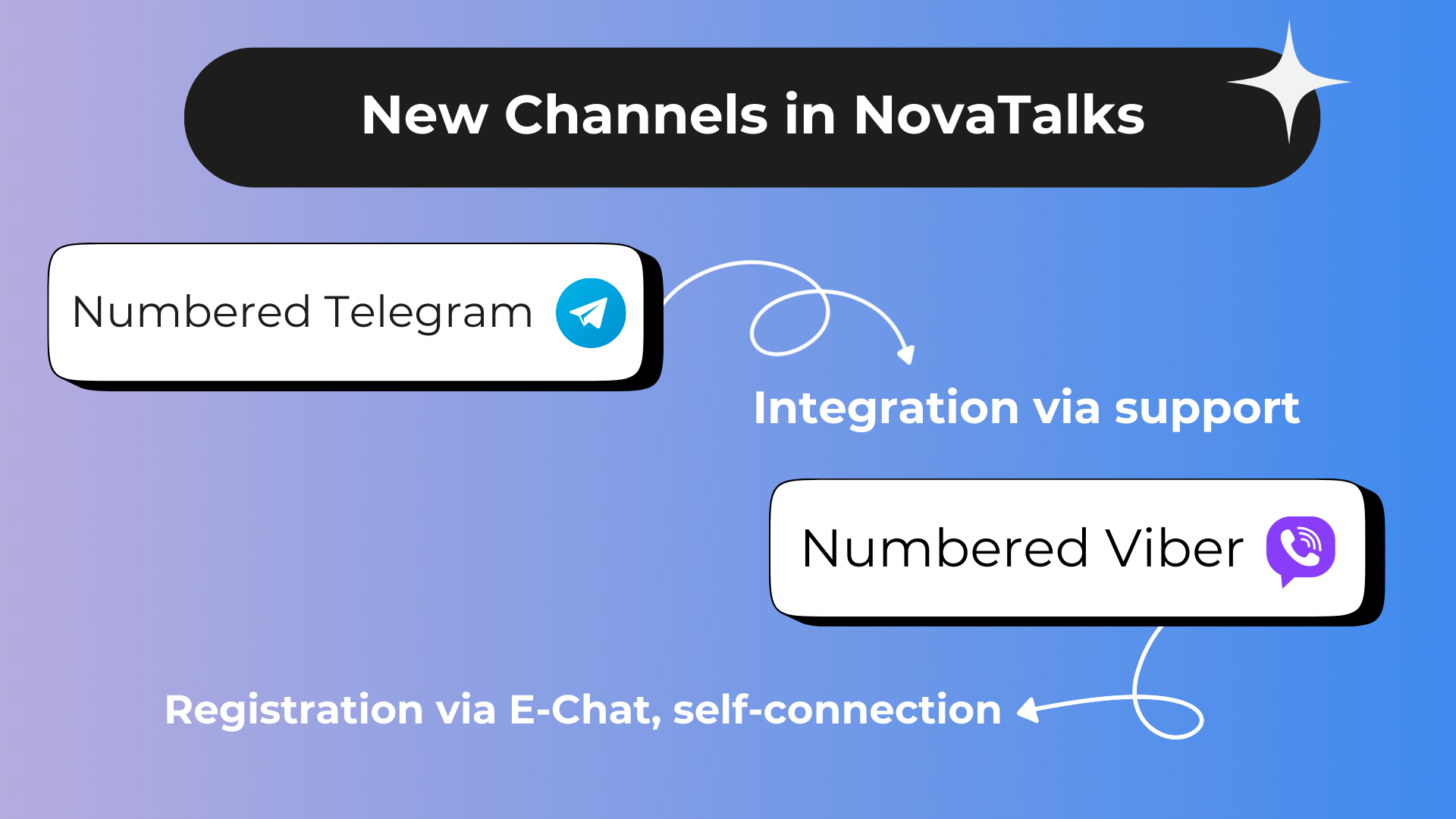
NovaTalks expands its capabilities by integrating phone number channels for Telegram and Viber. This solution allows businesses to streamline communication with customers and consolidate all inquiries into a convenient platform. All conversations will be stored in one place, ensuring easy access to communication history and improving team efficiency.
Phone Number Telegram allows you to use your phone number to communicate with customers. With this feature, agents can not only respond to incoming inquiries but also initiate conversations without prior customer requests.
Phone Number Viber enables communication with customers through registered numbers on Viber. This makes it possible to centralize all messages within the NovaTalks system, which is especially useful for companies with high volumes of customer inquiries.
Main Benefits of Using Phone Number Channels
Using phone number channels has numerous advantages. All messages from Telegram and Viber are stored in one system, simplifying inquiry management. The ability to initiate communication with customers allows your agents to provide faster assistance, offer services, or resolve issues. The entire correspondence is available for review and analysis, helping to improve the quality of customer service.
How to Set Up Phone Number Telegram
To start integrating Phone Number Telegram in NovaTalks:
- Go to the “Channels” section in the settings and click “Add Channel”.
- Select the channel type – “Phone Number Telegram”.
- Provide a channel name that will help you easily identify it in the system.
- Choose the chatbot to be connected to the channel.
- Set parameters such as conversation type (chat, social media, call, or email) and the ability to message customers first.
- To complete the integration, you need to add a phone number, webhook URL, and API key provided by the NovaTalks support team.
Once the settings are verified, the channel is ready to use.
How to Set Up Phone Number Viber
To integrate Phone Number Viber, follow these steps:
- Register your phone number in the E-Chat system.
- In NovaTalks, select the channel type – “Phone Number Viber”.
- Provide a channel name, choose a chatbot, and specify the conversation type.
- Copy the webhook URL from the NovaTalks settings and add it to your E-Chat account.
- Enter the API key obtained from your E-Chat dashboard.
- Verify the settings and activate the channel.
Features of Working with Viber
The integration is carried out through the E-Chat provider, which ensures interaction with Viber. It is important to note that Viber strictly enforces platform policies, so it is recommended to use numbers only for official customer communication to avoid potential blocks.
Using Phone Number channels for Telegram and Viber opens up new opportunities for businesses, enabling them to stay connected with customers in their preferred way. To connect the “Phone Number Telegram” channel, contact the NovaTalks support team, who will assist with the setup. For “Phone Number Viber,” first register your number in the E-Chat system and configure the webhook as instructed.
Enhance your communication quality with NovaTalks!